Endless Labyrinth
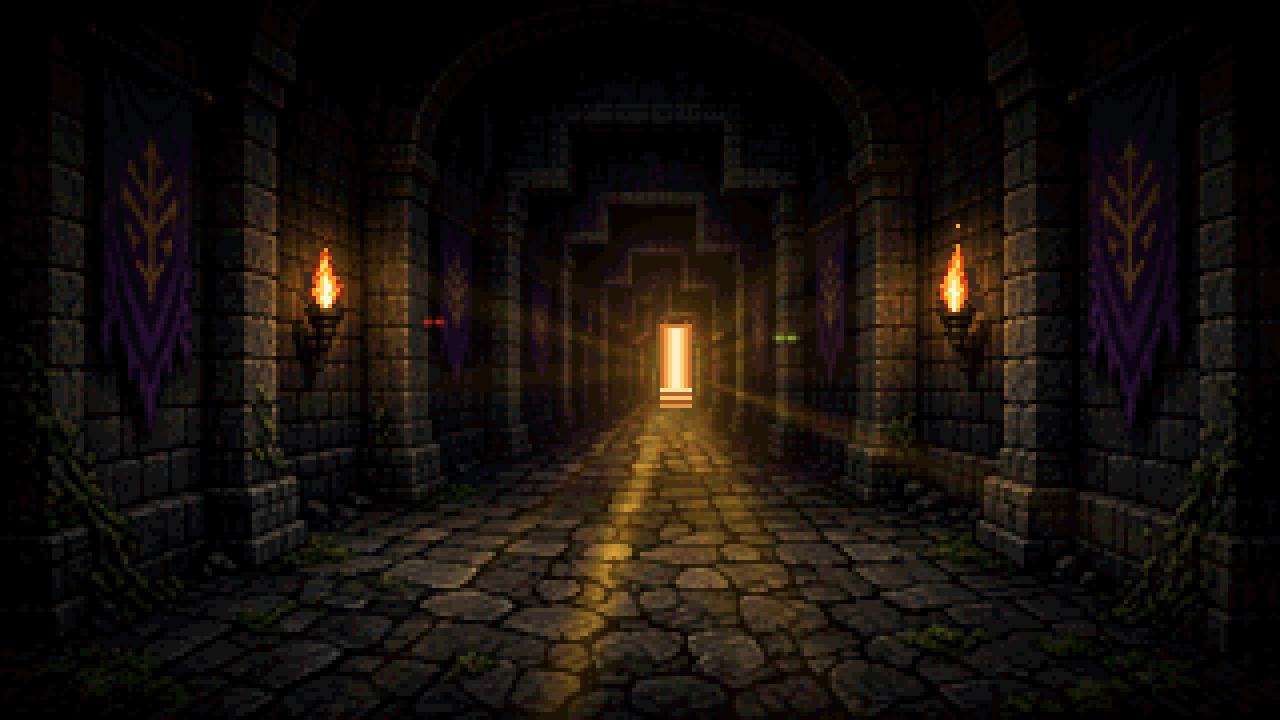

Thanks for playing
Info
Moving
- On a phone, tap the arrows. Up steps forward, down steps back, left turns left, and right turns right.
- On a PC, Up or W steps forward, Down or S steps back, Left or A turns left, and Right or D turns right.
- A swipe on the view does the same. There is no strafing. Each turn is 90 degrees.
Menus
- In the dungeon, tap Menu, then tap a row. Formation shows each hero on their own row: the portrait sits to the left in front and to the right in back. Tap the hero, or press Enter, to switch. Drag a row, or press Shift+Up or Shift+Down, to change party order. Back returns to the menu.
- Tap the lines under the party bar to open the event log. Back returns to the maze.
- Tap Back to leave a screen. Tap Close to leave the menu.
- In battle, the arrow keys move the highlight and Enter uses it. Escape leaves a list. Tap Back to do the same.
Getting around
- Down stairs go to the next floor. On floor 1 the up stairs go to town. On later floors the up stairs go back up.
- The minimap beside the movement buttons shows tiles you have seen.
- Every 5th floor has a statue. Step on it and tap Return to Town, or tap Stay.
- After that, Statue Gate in town lists those floors.
Town
- Inn: sleep restores the living to full HP and MP. Party shows the same rows: portrait left in front, right in back. Tap a hero, or press Enter, to switch. Drag a row, or press Shift+Up or Shift+Down, to change party order.
- Tavern: from the Inn, change who is in the party.
- Blacksmith: buy and sell gear.
- Apothecary: buy and sell potions.
- Temple: raise a dead hero for 200 gold times their level.
Battle
- Attack: tap Attack, or press 1 or A. Then tap a monster.
- Targeting: tap a highlighted hero, monster, monster name, or a row in the target list, or move with the arrow keys and press Enter. A heal lists Party, then Enemies. Cover highlights living allies except the paladin, and downed heroes stay dimmed. Cancel or Esc returns to the previous menu. A back-row hero cannot melee. A ranged weapon still attacks from the back row. A heal highlights living heroes and monsters together and says Choose a target. Holy light burns an undead foe for the heal amount, and a living monster is restored up to its max HP.
- Defend: tap Defend, or press 4.
- Magic: tap Magic, or press 2 or M.
- Item: tap Item, or press 6. Re-equip is listed above the potions.
- Run: tap Run, or press 5 or R.
- Swap rows: on your turn, tap Swap rows. That hero moves between the front and back row, and the turn is used.
- Auto: tap Auto. Everyone attacks.
Event Log
Form a party
Race
Stats
Class
Alignment
Four heroes are ready.
Roster
Endless Labyrinth
Floor 1
Up/down move · Left/right turn · R confirms a restart · Esc title
Floor 1
Encounter
Settings
Music by smokehbear
Choose a hero